


Create complete, professional submittals in minutes—without leaving our website.
Follow these steps to build a submittal from any device, whether you're in the field, on the go, or at your desk. No navigating multiple websites or extra software needed.
Step 1: Choose Your Products
Click Products in the main menu then select Interior Products to browse our complete portfolio of drywall, insulation, ceiling, and wall products and systems.
For ceiling and wall systems, use the Competitor Comparison Tool to quickly identify CertainTeed equivalents for competitor products.
Step 2: Find Product Documents
Find the product documents you need using the Documents Search Tool, available anytime by clicking Documents in the main menu.
Filter your search by entering a product name and selecting a document type from the Document Type drop-down menu. Narrow results to brochures, technical specifications, installation guides, sustainability documents, or warranties.
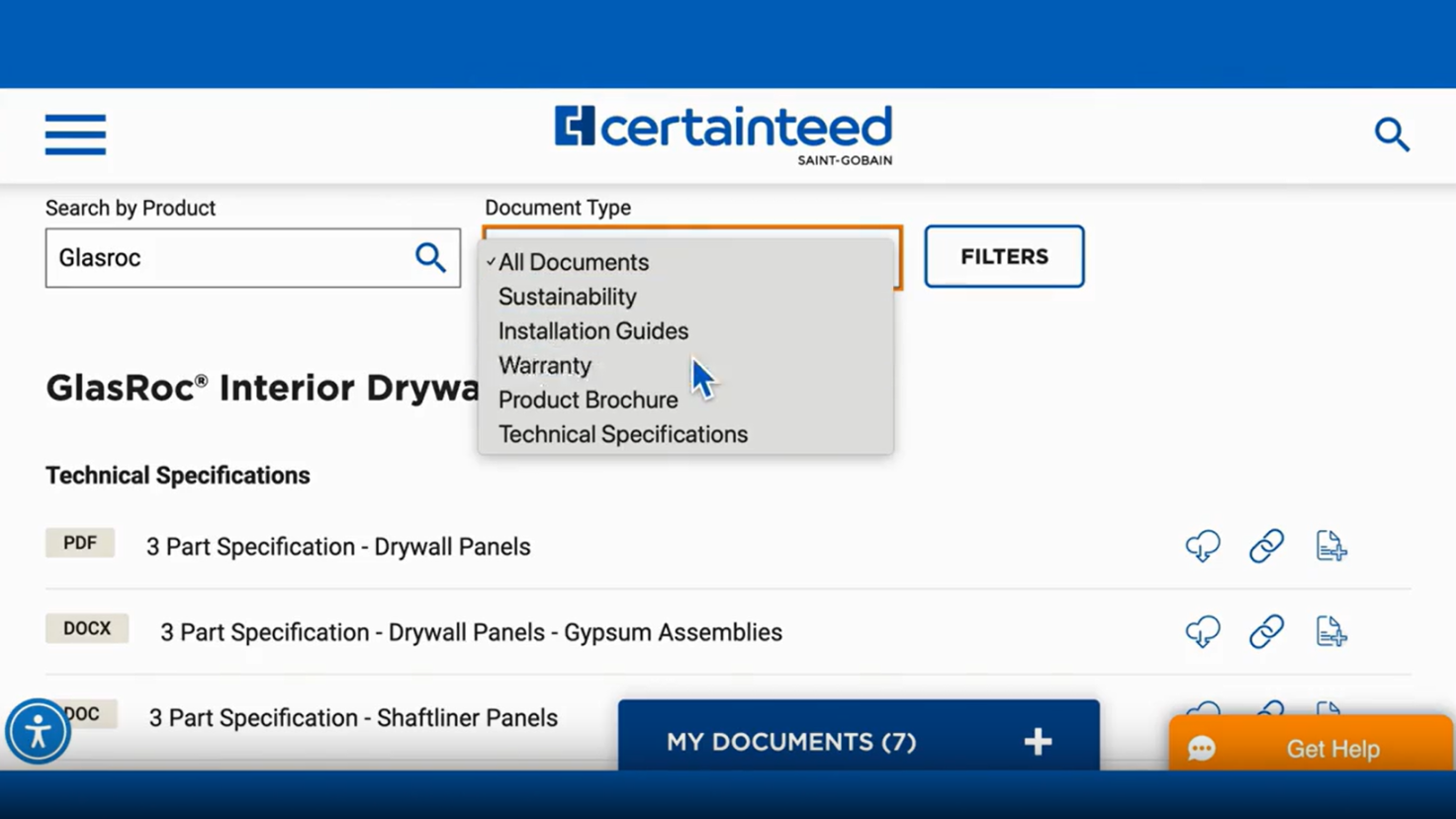
Step 3: Select the Documents You Need
In the Documents Search Tool, look for the “Add to List” icon to the right of each document. Click the icon to add a document to your My Documents list.
To add documents directly from individual product pages, scroll to the Documents section at the bottom of the page and click the “Add to List” icon for each document you want.
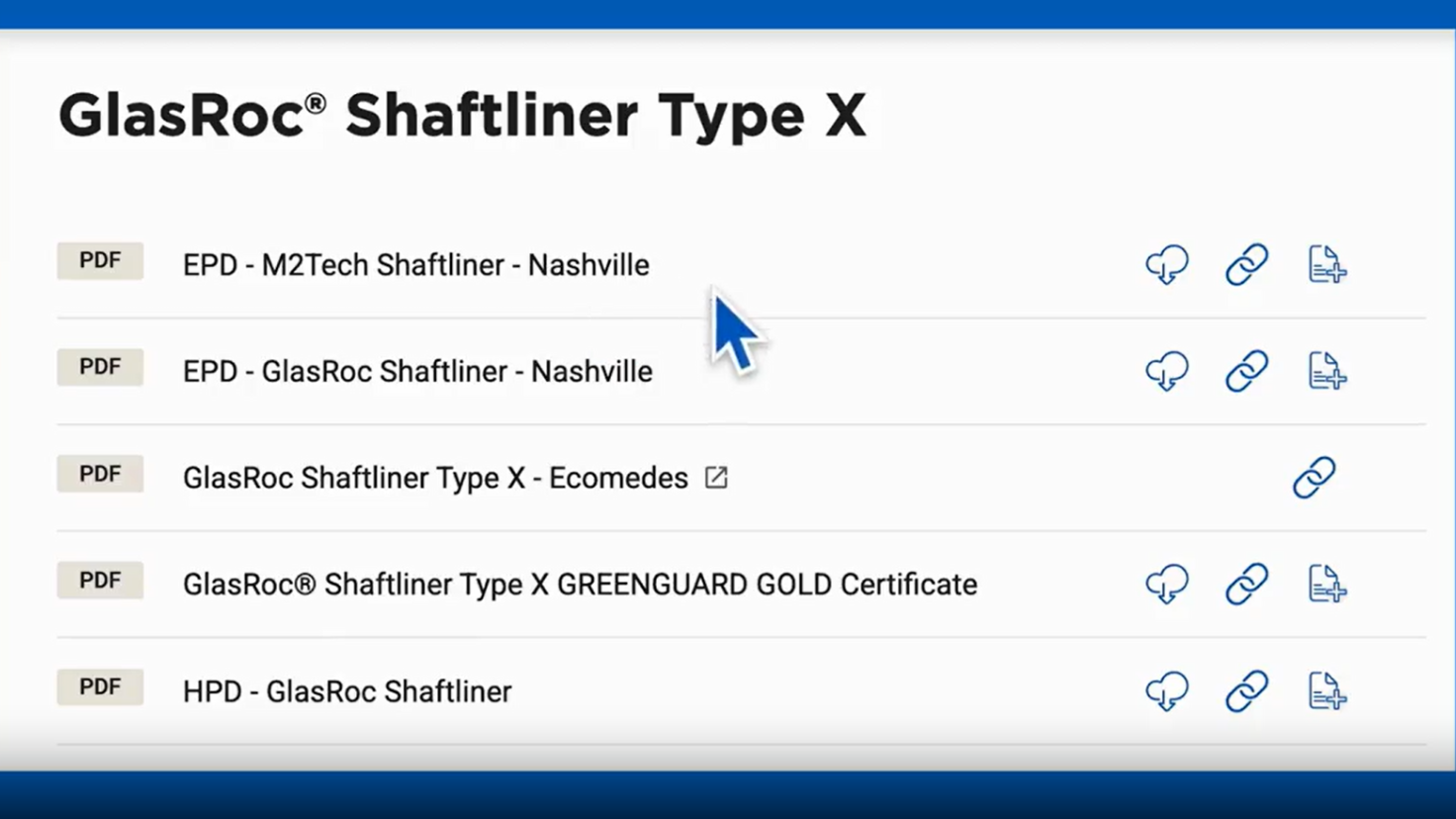
Step 4: Review and Manage Your Documents
As you add documents, your list will appear as a tab at the bottom of the page.
Open the My Documents tab to review your selected files. From here, you can review, download, and prepare documents for your submittal.
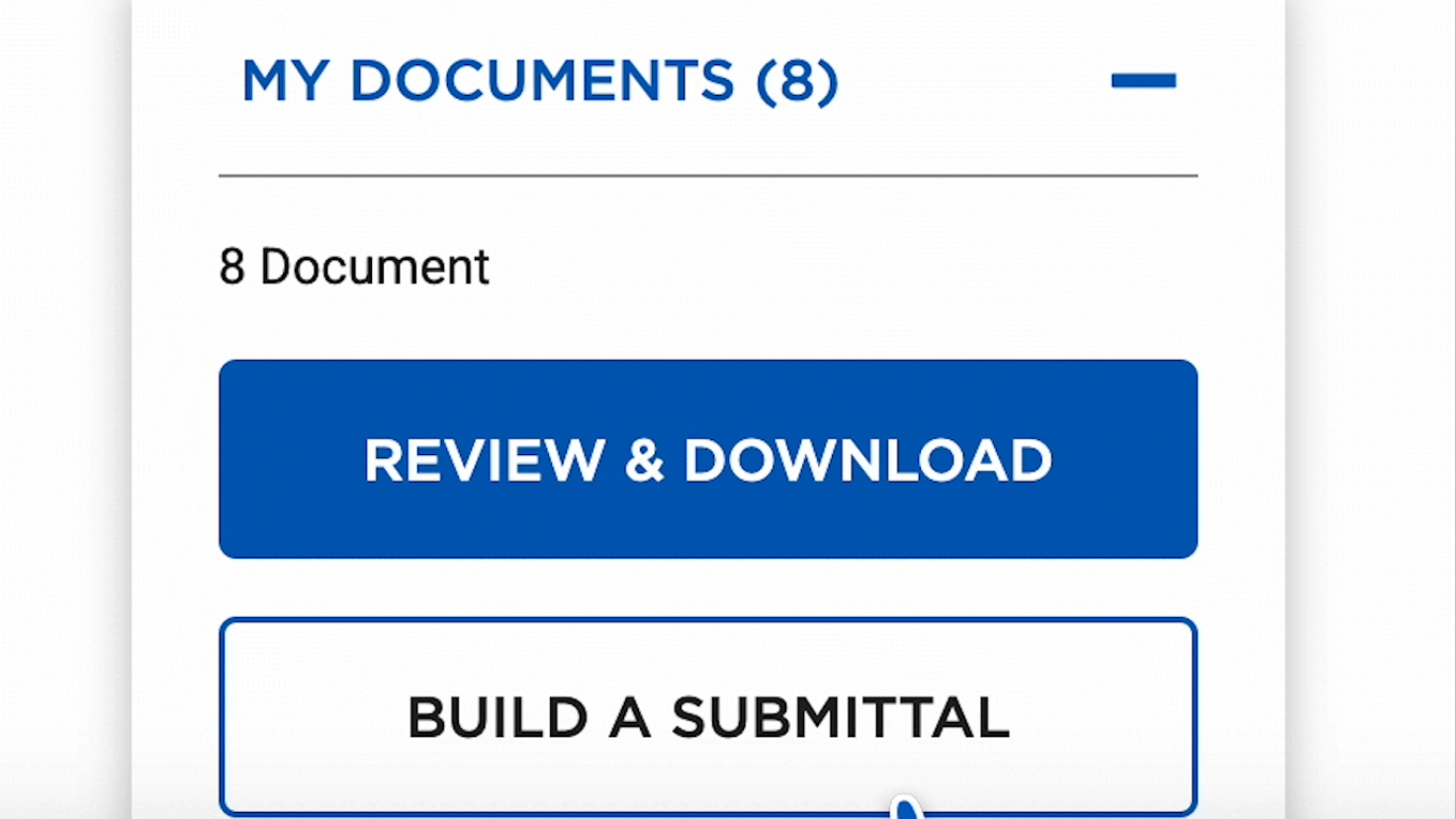
Step 5: Build Your Submittal
Click Build a Submittal to begin.
Under Add Cover Sheet, you have the option to generate a cover sheet from our template or upload your own PDF with your company logo.
Complete the required fields and click Continue to proceed.
Step 6: Download & Share Your Submittal
Once you have created your submittal, you can easily download and share right from our website.
Download a ZIP File of your submittal for easy electronic distribution.
Email your submittal to yourself or others, including team members, architects, or general contractors.
Use Submittal Central to access saved submittals. From any page on our website, click Documents in the main menu then click Submittal Central.
Log in using OKTA Single Sign-On for quick access. From here, you can review, edit, duplicate, or reuse previous submittals to save time on future projects.